Intro
Get started with OpenCode.
OpenCode is an open source AI coding agent. It's available as a terminal-based interface, desktop app, or IDE extension.
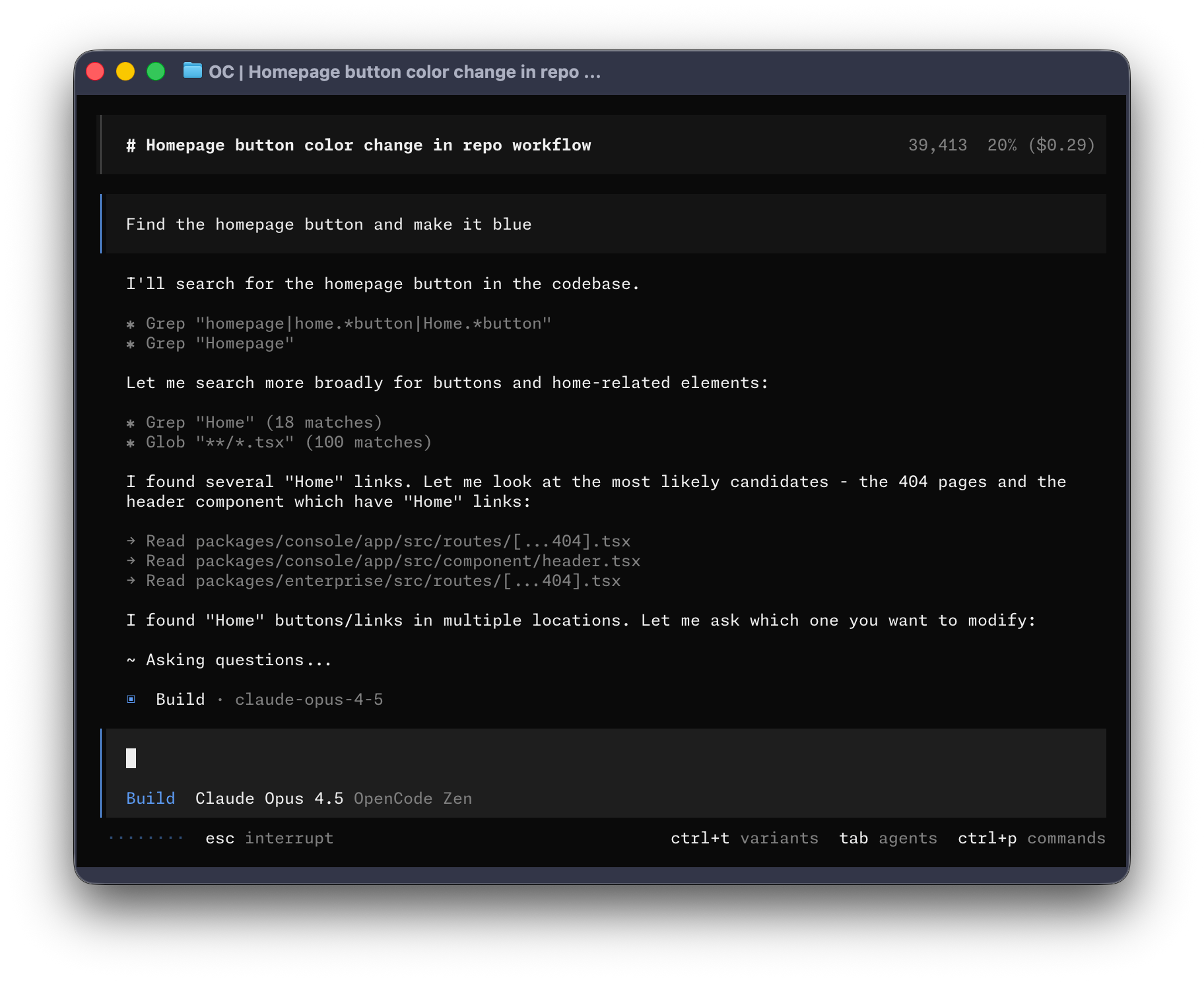
Let's get started.
Prerequisites
To use OpenCode in your terminal, you'll need:
- A modern terminal emulator like:
- WezTerm (opens in a new tab), cross-platform
- Alacritty (opens in a new tab), cross-platform
- Ghostty (opens in a new tab), Linux and macOS
- Kitty (opens in a new tab), Linux and macOS
- API keys for the LLM providers you want to use.
Install
The easiest way to install OpenCode is through the install script.
curl -fsSL https://opencode.ai/install | bashYou can also install it with the following commands:
- Using Node.js
npm install -g opencode-ai- Using Homebrew on macOS and Linux
brew install anomalyco/tap/opencodeWe recommend using the OpenCode tap for the most up to date releases. The official
brew install opencodeformula is maintained by the Homebrew team and is updated less frequently.
- Installing on Arch Linux
sudo pacman -S opencode           # Arch Linux (Stable)
paru -S opencode-bin              # Arch Linux (Latest from AUR)
Windows
Recommended: Use WSL
For the best experience on Windows, we recommend using Windows Subsystem for Linux (WSL). It provides better performance and full compatibility with OpenCode's features.
- Using Chocolatey
choco install opencode- Using Scoop
scoop install opencode- Using NPM
npm install -g opencode-ai- Using Mise
mise use -g github:anomalyco/opencode- Using Docker
docker run -it --rm ghcr.io/anomalyco/opencodeSupport for installing OpenCode on Windows using Bun is currently in progress.
You can also grab the binary from the Releases (opens in a new tab).
Configure
With OpenCode you can use any LLM provider by configuring their API keys.
If you are new to using LLM providers, we recommend using OpenCode Zen. It's a curated list of models that have been tested and verified by the OpenCode team.
- Run the
/connectcommand in the TUI, select opencode, and head to opencode.ai/auth (opens in a new tab).
/connect-
Sign in, add your billing details, and copy your API key.
-
Paste your API key.
┌ API key
│
│
└ enter
Alternatively, you can select one of the other providers. Learn more.
Initialize
Now that you've configured a provider, you can navigate to a project that you want to work on.
cd /path/to/projectAnd run OpenCode.
opencodeNext, initialize OpenCode for the project by running the following command.
/initThis will get OpenCode to analyze your project and create an AGENTS.md file in the project root.
Tip
You should commit your project's AGENTS.md file to Git.
This helps OpenCode understand the project structure and the coding patterns used.
Usage
You are now ready to use OpenCode to work on your project. Feel free to ask it anything!
If you are new to using an AI coding agent, here are some examples that might help.
Ask questions
You can ask OpenCode to explain the codebase to you.
Tip
Use the @ key to fuzzy search for files in the project.
How is authentication handled in @packages/functions/src/api/index.tsThis is helpful if there's a part of the codebase that you didn't work on.
Add features
You can ask OpenCode to add new features to your project. Though we first recommend asking it to create a plan.
-
Create a plan
OpenCode has a Plan mode that disables its ability to make changes and instead suggest how it'll implement the feature.
Switch to it using the Tab key. You'll see an indicator for this in the lower right corner.
<TAB>Now let's describe what we want it to do.
When a user deletes a note, we'd like to flag it as deleted in the database.
Then create a screen that shows all the recently deleted notes.
From this screen, the user can undelete a note or permanently delete it.
You want to give OpenCode enough details to understand what you want. It helps to talk to it like you are talking to a junior developer on your team.
Tip
Give OpenCode plenty of context and examples to help it understand what you want.
-
Iterate on the plan
Once it gives you a plan, you can give it feedback or add more details.
We'd like to design this new screen using a design I've used before.
[Image #1] Take a look at this image and use it as a reference.
Tip
Drag and drop images into the terminal to add them to the prompt.
OpenCode can scan any images you give it and add them to the prompt. You can do this by dragging and dropping an image into the terminal.
-
Build the feature
Once you feel comfortable with the plan, switch back to Build mode by hitting the Tab key again.
<TAB>And asking it to make the changes.
Sounds good! Go ahead and make the changes.
Make changes
For more straightforward changes, you can ask OpenCode to directly build it without having to review the plan first.
We need to add authentication to the /settings route. Take a look at how this is
handled in the /notes route in @packages/functions/src/notes.ts and implement
the same logic in @packages/functions/src/settings.ts
You want to make sure you provide a good amount of detail so OpenCode makes the right changes.
Undo changes
Let's say you ask OpenCode to make some changes.
Can you refactor the function in @packages/functions/src/api/index.ts?But you realize that it is not what you wanted. You can undo the changes using the /undo command.
/undoOpenCode will now revert the changes you made and show your original message again.
Can you refactor the function in @packages/functions/src/api/index.ts?From here you can tweak the prompt and ask OpenCode to try again.
Tip
You can run /undo multiple times to undo multiple changes.
Or you can redo the changes using the /redo command.
/redoShare
The conversations that you have with OpenCode can be shared with your team.
/shareThis will create a link to the current conversation and copy it to your clipboard.
Note
Conversations are not shared by default.
Here's an example conversation (opens in a new tab) with OpenCode.
Customize
And that's it! You are now a pro at using OpenCode.
To make it your own, we recommend picking a theme, customizing the keybinds, configuring code formatters, creating custom commands, or playing around with the OpenCode config.